
Cursor 无限续杯 Claude 3.5
第一步:删除账号退出程序
在 Cursor 设置中打开 Cursor 账号页面:
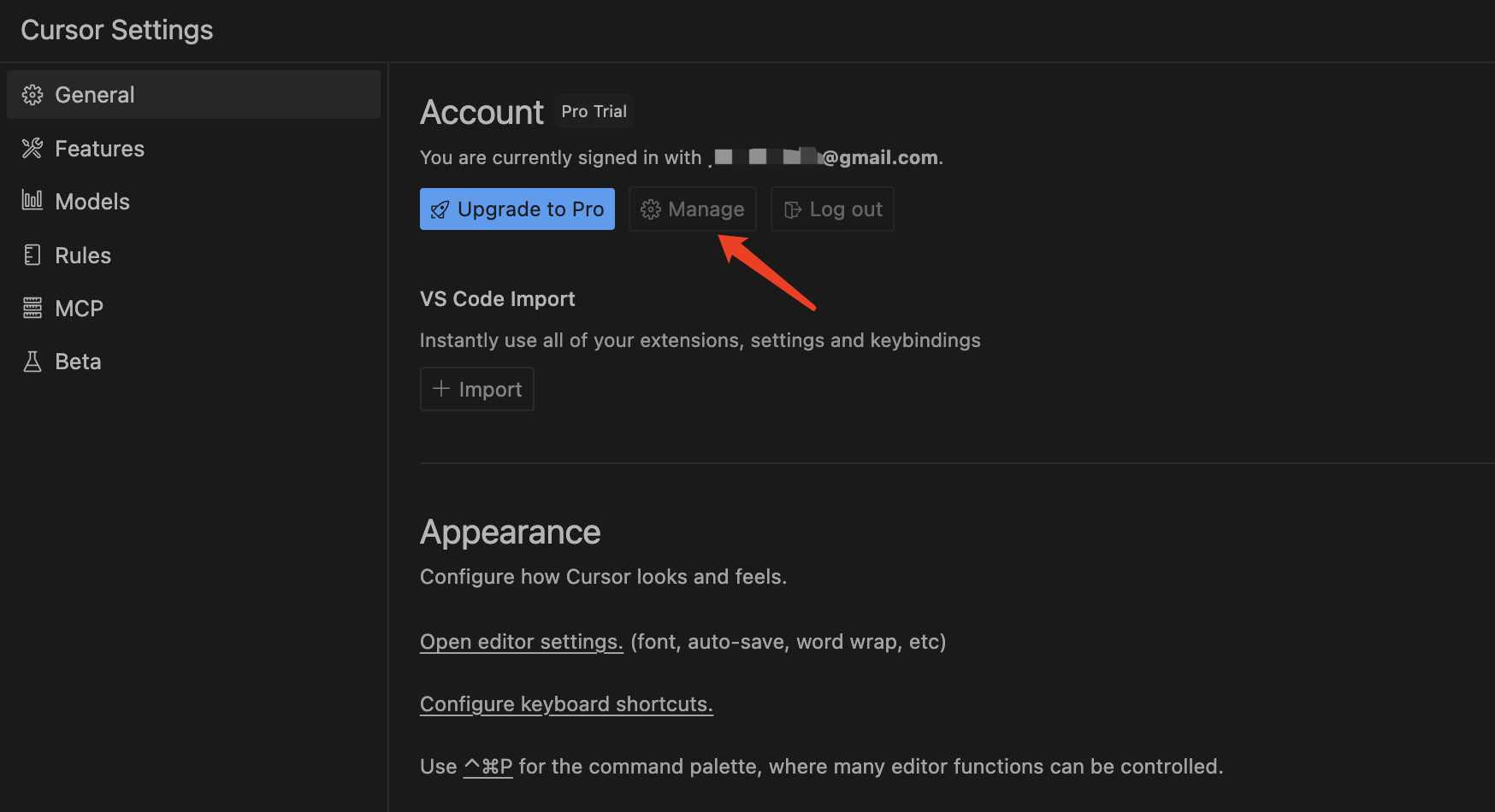
在 Account 面板下面点击「Delete Account」链接删除账号: 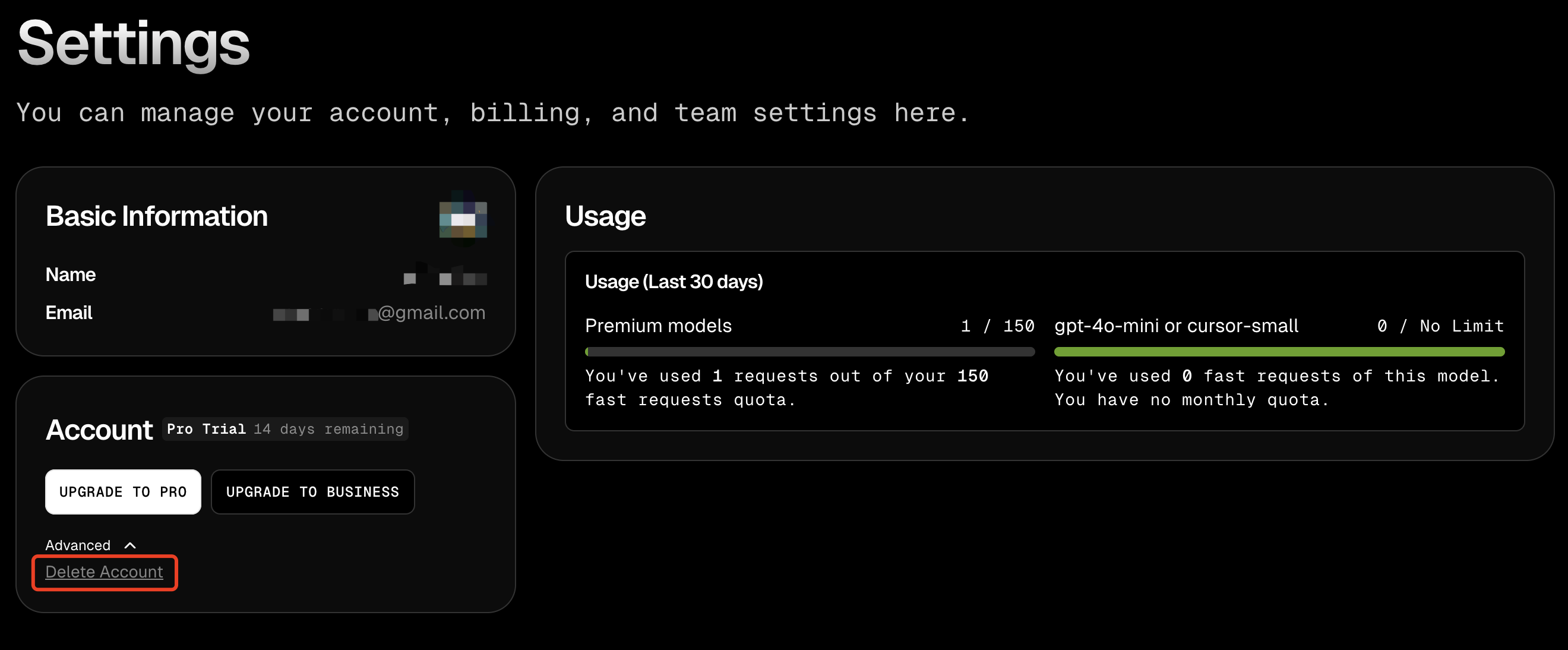
在 Cursor 设置中退出 Cursor 账号:
然后再退出 Cursor 应用程序。
第二步:执行一键续杯脚本
Github 上面有一个免费无限续杯项目:https://github.com/yuaotian/go-cursor-help
管理员运行 根据自己系统执行以下命令
macOS:
powershell
curl -fsSL https://aizaozao.com/accelerate.php/https://raw.githubusercontent.com/yuaotian/go-cursor-help/refs/heads/master/scripts/run/cursor_mac_id_modifier.sh -o ./cursor_mac_id_modifier.sh && sudo bash ./cursor_mac_id_modifier.sh && rm ./cursor_mac_id_modifier.shLinux:
powershell
curl -fsSL https://aizaozao.com/accelerate.php/https://raw.githubusercontent.com/yuaotian/go-cursor-help/refs/heads/master/scripts/run/cursor_linux_id_modifier.sh | sudo bashWindows:
powershell
irm https://aizaozao.com/accelerate.php/https://raw.githubusercontent.com/yuaotian/go-cursor-help/refs/heads/master/scripts/run/cursor_win_id_modifier.ps1 | iex执行结果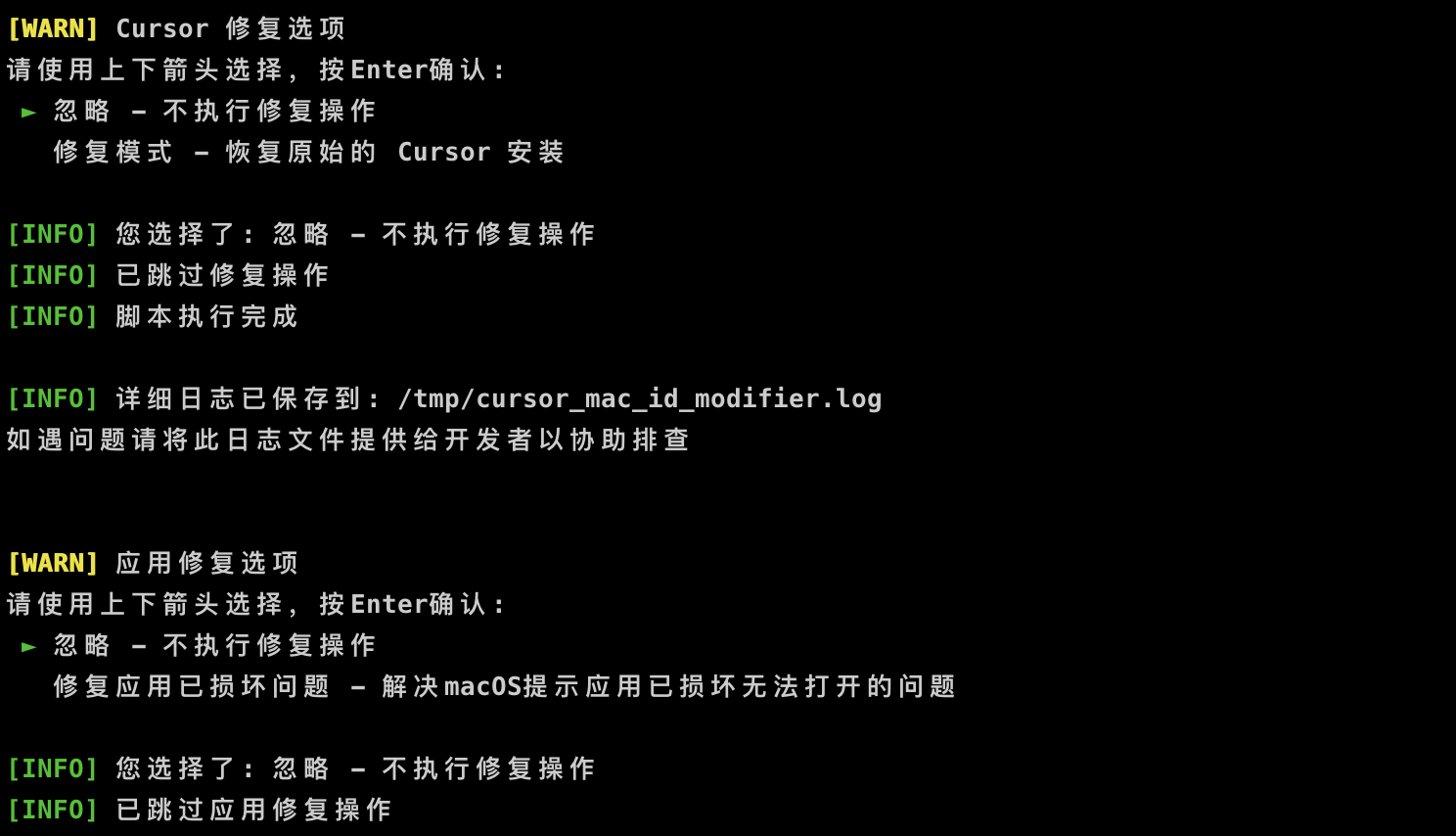
第三步:重新登录
重新打开 Cursor,再用之前的邮箱注册登录,最好是 Gmail 或者 Github 快捷登录。
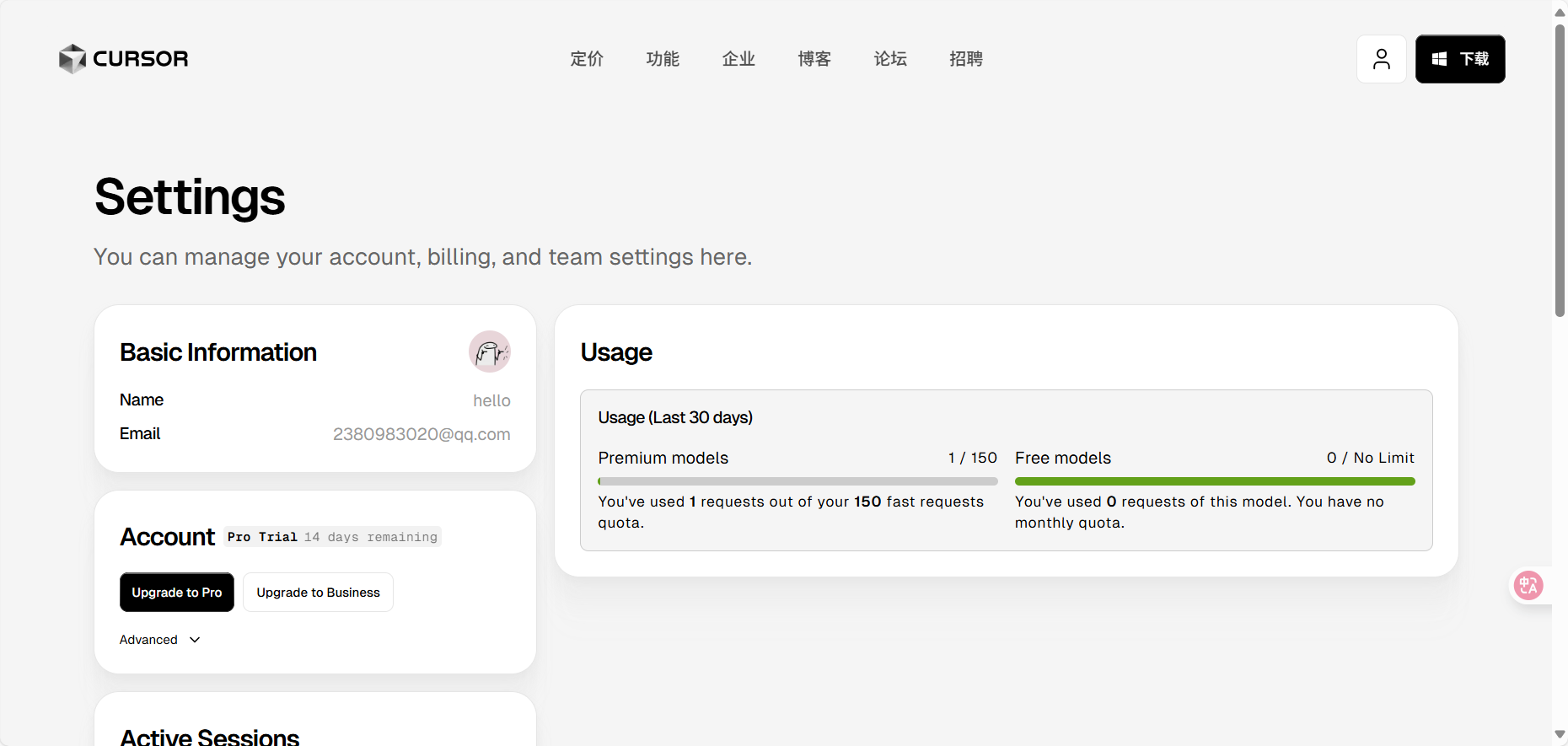
如图,又续上 14 天了。 以上仅供学习参考使用,请勿用于商业目的,请支持正版。